Keeping IT systems running smoothly is challenging, especially when teams and devices are spread across different locations. In the past, fixing problems often meant being on-site and reacting after something broke. Now, remote monitoring is changing that approach. It allows teams to monitor systems in real time, catch issues early, and fix them without being physically present. This saves time, reduces stress, and helps avoid costly downtime.
In this blog, we’ll explore how remote monitoring is reshaping IT operations and why it’s becoming an essential part of modern IT management.
Understanding Remote Monitoring and Management Software
Imagine a time when your IT team was scrambling across multiple dashboards, digging through disconnected logs, trying to figure out why a branch office just went dark. That scenario happens daily in organizations still using fragmented oversight models. Remote monitoring and management software eliminates that chaos. It provides teams with consolidated, real-time control over on-premises, cloud, hybrid, and edge environments, without needing a local presence.
An example of this shift is PathSolutions remote network monitoring software. It offers end-to-end network visibility, automated root-cause diagnostics, and plain-English recommendations that any IT professional can act on immediately. This is not just a minor upgrade; it’s a fundamentally different way of working.
Scalable Oversight for Growing Organizations
Organizations are no longer contained within a single data center. Branch offices, cloud workloads, and hybrid workers logging in from various time zones all require consistent, reliable oversight. Remote monitoring scales to provide uniform visibility across every environment, no matter how geographically distributed your infrastructure becomes.
The benefits include fewer blind spots, faster resolution, and less guesswork.
Unified Dashboard for Comprehensive Insight
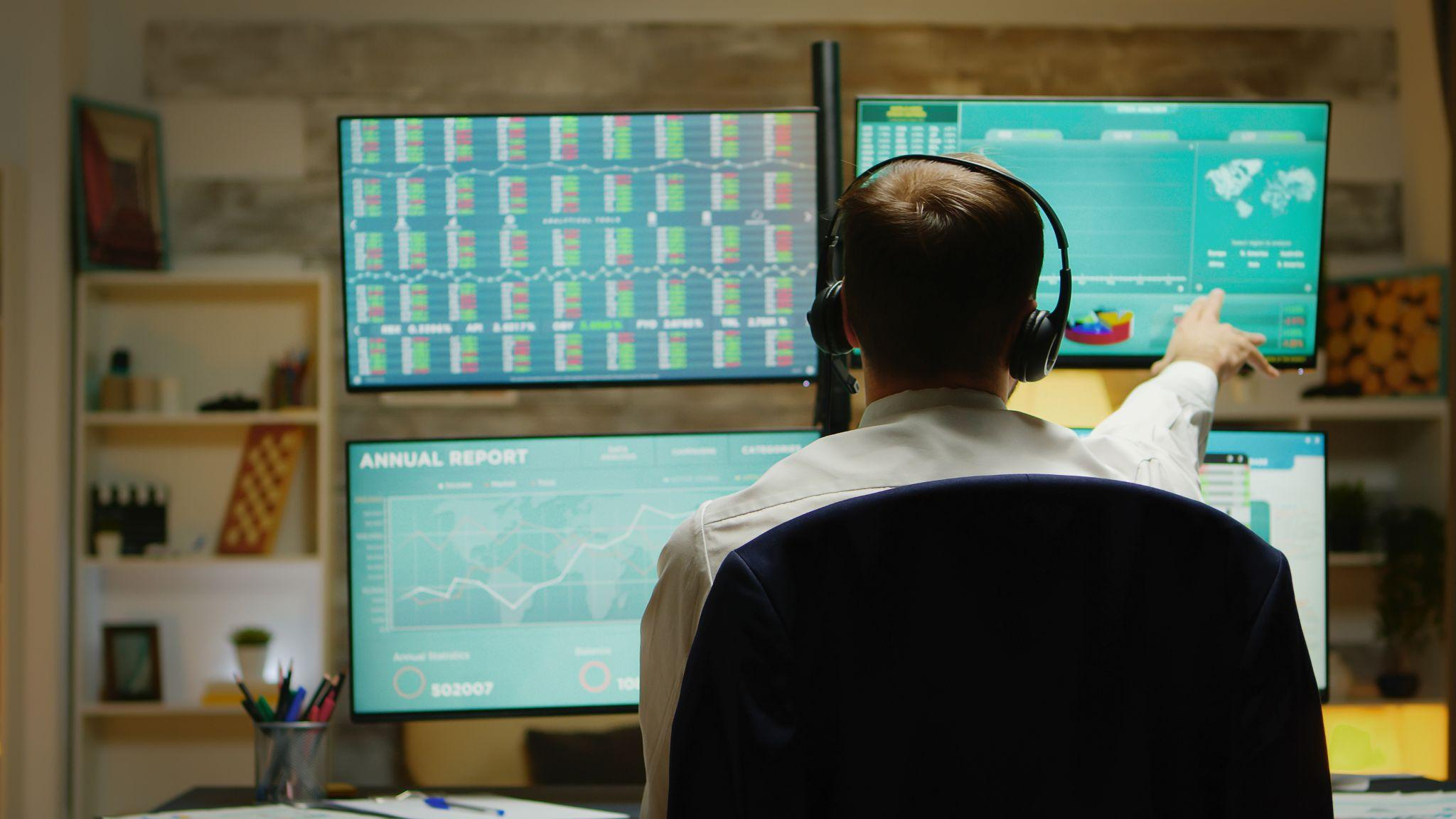
Live dashboards consolidate endpoint status, network health, and patch compliance into a single, unified view. No more toggling between multiple tools to understand what’s happening. Your team sees everything from one screen and makes smarter decisions because of it.
Reducing decision fatigue is crucial. When IT staff aren’t searching for context, they act faster and more confidently.
Proactive Network Monitoring: Staying Ahead of Outages
Visibility alone won’t protect you. The real competitive advantage in proactive network monitoring services comes from what your team does the moment something looks off. Catching a degrading link before it becomes a full-blown outage at 2 a.m. is key.
Automated Alerts for Immediate Action
Modern anomaly detection engines run constantly, scanning traffic patterns and device behavior around the clock. When something deviates from established baselines, automated alerts are triggered. This gives your team a chance to intervene before disruption spreads through the environment.
Trend analysis adds another layer, highlighting patterns that historically precede failures. You’re not just reacting anymore; you’re anticipating.
Predictive Maintenance for IT Systems
Industrial IoT environments have relied on predictive maintenance for years, and IT is catching up fast. By analyzing historical performance data, monitoring platforms can identify configurations or hardware components that are quietly trending toward failure, sometimes weeks before the actual breakdown.
This foresight means fewer emergency repair windows and more controlled, scheduled maintenance, allowing your team to rest easier.
Comprehensive Endpoint Monitoring and Patch Management
When your workforce is distributed across dozens or even hundreds of locations, keeping every device secure and properly updated becomes a significant operational challenge. Endpoint monitoring and patch management tools handle that burden systematically, eliminating the need for manual intervention at each device.
Efficient Monitoring with Software Agents
Lightweight software agents installed on endpoints continuously monitor device health, performance metrics, and security posture. They run silently in the background, feeding live data back to your central monitoring platform without interrupting the users.
This allows you to identify underperforming or misconfigured devices before anyone files a ticket.
Automated Patching for Enhanced Security
Manual patching across a distributed fleet is slow and inconsistent. Automated patch deployment pushes approved updates on schedule, dramatically reducing the window of vulnerability that attackers exploit.
Compliance dashboards and detailed audit logs provide IT managers with documented proof of patch status across every endpoint, essential for regulatory requirements and internal governance reviews.
Real-Time System Performance Monitoring
Patched software and compliant hardware are important, but they don’t automatically translate to a great user experience. Effective Automated patch management helps keep systems secure and up to date, while real-time system performance monitoring bridges the gap by tracking what genuinely matters to both your IT team and the people they support.
Cloud-based deployment now accounts for more than 60% of RMM usage, indicating how mainstream this approach has become across organizations of every size.
Key Performance Metrics
CPU utilization, memory consumption, bandwidth saturation, and application response times reveal what’s happening beneath the surface. When these metrics trend in the wrong direction, performance monitoring surfaces the problem before users start complaining.
Consistent KPI tracking also builds a performance baseline, making anomalies easier and faster to diagnose when they appear.
Experience Level Objectives (XLOs)
XLOs are an emerging framework that ties system metrics directly to user experience outcomes. Instead of measuring infrastructure health in isolation, XLOs ask a better question: is the system delivering what people need?
This reframing turns monitoring into a strategic business tool, not just a technical necessity.
RMM as a Strategic Foundation
The most effective IT teams aren’t using monitoring simply to troubleshoot. They’re building it into their operational strategy. RMM tools for MSPs and internal IT departments integrate monitoring platforms with PSA systems, ticketing tools, backup solutions, and security platforms, creating something far more powerful than any single tool offers alone.
Unified Interface for Enhanced Productivity
Consolidating tools eliminates the context-switching that quietly kills team productivity. Every alert, ticket, and performance metric occupies the same workspace. Correlation becomes faster, decisions sharper, and remote monitoring and management software evolves from being “one of many tools” to the connective tissue holding your entire IT operation together.
Automation for Strategic Focus
Routine tasks, patch deployment, alert triage, and configuration backups run automatically on schedule, without needing constant supervision. Your experienced staff can stop firefighting and contribute to strategic initiatives.
Less operational chaos means more genuine innovation, which is where IT earns its seat at the business table.
The Bottom Line: Remote Monitoring as Essential Infrastructure
Remote monitoring isn’t an optional upgrade anymore. It’s operational infrastructure, the backbone that keeps distributed environments healthy, secure, and aligned with business outcomes. Organizations that invest thoughtfully in remote monitoring and management software, maintain rigorous endpoint monitoring and patch management practices, and layer in real-time system performance monitoring alongside frameworks like XLOs will consistently outperform teams still reacting to yesterday’s fires. The tools are there. The question is whether your organization is using them effectively, or waiting for the next outage to find out.
Frequently Asked Questions
Why is remote monitoring and management software so critical in distributed IT environments?
Distributed environments create visibility gaps that manual oversight cannot fill. Remote monitoring and management software provides continuous, centralized oversight across every device and location, reducing response times and preventing small issues from becoming expensive outages.
How do RMM tools for MSPs differ from internal IT deployments?
RMM tools for MSPs typically support multi-tenant architectures, enabling management of multiple client environments from one platform. Internal IT deployments focus on a single organization’s infrastructure, with less emphasis on tenant separation and client-facing reporting structures.
Can proactive network monitoring services actually reduce downtime?
Yes, consistently. Proactive network monitoring services use anomaly detection and trend analysis to catch problems before failures occur. Organizations that shift from reactive break-fix models report significantly fewer unplanned outages and dramatically improved mean-time-to-resolution.
Figure 1: Diagram illustrating remote monitoring setup.